7 Steps to Automate Salon Appointment Booking
Last Updated: November 24, 2026
Quick Summary
You automate salon appointment booking by connecting a booking calendar to software that handles confirmations, reminders, rescheduling, and payments without manual work. Your booking calendar becomes the single source of truth, and the software pushes out texts and emails automatically.
- Map your current booking process on paper before you shop for any software.
- Set buffers of 10 to 15 minutes after color services and 5 minutes after cuts.
- Use a consistent business number and name your salon in reminder texts.
- Record five numbers monthly: online booking rate, no-show rate, late cancellation rate, rebooking rate, and staff time saved.
- Run a 30-minute review on the first of each month and change one thing at a time.
Table of Contents
- How Do You Automate Salon Appointment Booking?
- What You’ll Need Before You Start
- Step 1: Choose the Best Salon Software for a Small Salon
- Step 2: Learn How to Automate Salon Appointment Booking Online
- Step 3: Set Up Salon Appointment Reminders and Confirmations
- Step 4: Build Rescheduling, Cancellation, and Deposit Workflows
- Step 5: How to Automate Salon Appointment Booking Free
- Step 6: Measure Results and Fix What Isn’t Working
- Frequently Asked Questions
How Do You Automate Salon Appointment Booking?
You automate salon appointment booking by connecting a booking calendar to software that handles confirmations, reminders, rescheduling, and payments without you touching a keyboard.
Your booking calendar becomes the single source of truth. Every booking, change, and cancellation flows through it, and the software pushes out texts and emails automatically.
These 7 steps fit a solo booth renter and a five-chair salon equally well. Start with your workflow, not software shopping.
What You’ll Need Before You Start
Before you touch any software, map your current booking process on paper. List every way a client reaches you: phone, text, Instagram DM, walk-in.
You’ll also need three practical things in place:
- A business phone number that can receive texts
- A clear cancellation policy you’re willing to enforce
- A list of your regular clients with contact info
One common mistake is skipping the policy step. Automation without a written deposit and cancellation rule just makes bad habits faster.
If you’re unsure how your booking setup should fit your website, talk through your options with our team before you commit to a tool.
Step 1: Choose the Best Salon Software for a Small Salon
The best salon software for a small salon is one that handles booking, reminders, and payments in a single dashboard without a steep learning curve.
Here’s how the main options compare:
| Option | Setup Effort | Best For | Watch Out For |
|---|---|---|---|
| Built-in salon software | Low | Most salons, all-in-one needs | Monthly cost per chair |
| No-code automation | Medium | Custom workflows on a budget | Requires connecting apps yourself |
| AI-powered booking | Low | Busy shops with high inquiry volume | Less control over exact wording |
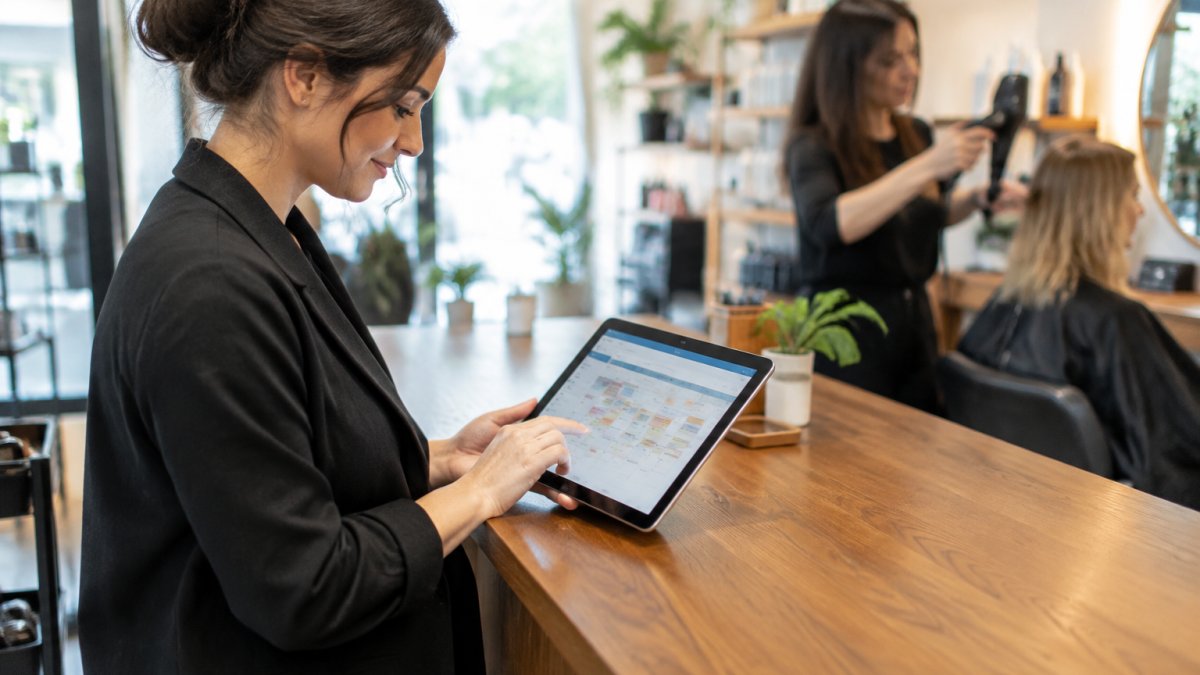
Built-In Booking Software vs. No-Code Automation vs. AI
Built-in booking software is a platform made for salons, with a booking calendar, client records, text and email reminders, and often point of sale and tips.
No-code automation connects tools you already use, like a form, a calendar, and a messaging app.
AI-powered booking uses a chatbot to answer after-hours inquiries and book appointments from a text conversation.
If you’re comparing options and want a quote shaped around your salon, request a quote and we’ll scope it to your setup.
Step 2: Learn How to Automate Salon Appointment Booking Online
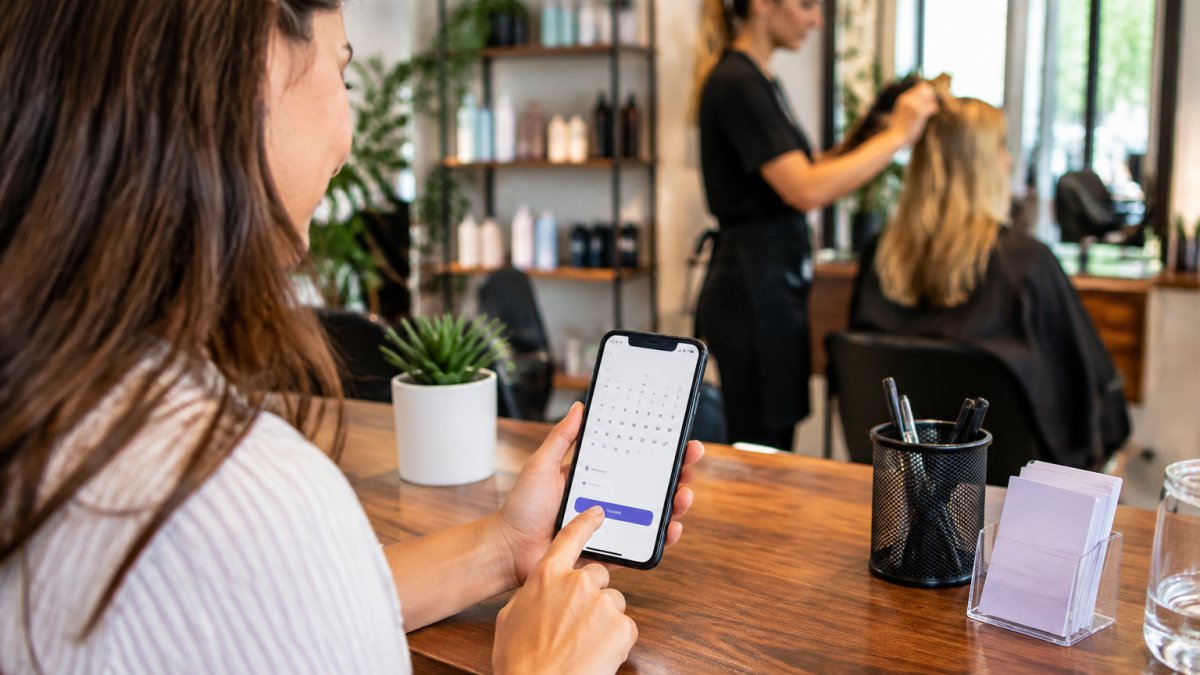
To automate salon appointment booking online, publish a booking page clients can reach from your website, Instagram bio, and Google Business Profile. That page shows real availability pulled from your calendar, so clients pick a slot instead of waiting for a reply. The setup sequence below is what separates a booking page that works from one that creates chaos.
Set Up Services and Durations First
Before you touch availability, build your service menu inside the booking tool. Every service needs a name, a duration, and a price. Be honest about duration, since services like cuts and full color treatments often take longer than clients expect.
Group services into categories (cuts, color, treatments, styling) so clients can find what they want without scrolling a 40-item list. Add a one- or two-sentence description to each to reduce mismatched bookings.
Map Staff to Services and Stations
Assign each team member to the services they actually perform. A junior stylist may do cuts and blowouts but not color corrections; a senior colorist may handle everything.
If your chairs are limited, assign stations or resources so the booking page does not promise the same chair to two clients. Set the maximum concurrent bookings per slot to match physical capacity, not staff count.
Build Availability Rules That Reflect Reality
Availability rules are where most setups fail. Set your actual working days and hours, then layer in:
- Buffers between appointments, 10 to 15 minutes after color services, 5 minutes after cuts, so cleanup and consultation don’t bleed into the next slot.
- Processing time, if a color processes for 30 minutes, decide whether the stylist can take another client during that window. Pick one rule and apply it consistently.
- Lunch and breaks, block them as recurring events, not one-off entries, so they hold every week.
A common mistake is leaving availability wide open on day one. You will get bookings during times you never intended to work. Block those hours before you share the link.
Publish the Booking Link Everywhere Clients Look
Once availability is set, put the booking link where clients already look: your website header and contact page, Instagram bio, Google Business Profile booking button, Facebook page, and email signature. Add it to your voicemail greeting and text auto-reply. The link is only useful if it is one tap away.
Test the Full Booking Flow Before You Go Live
Run a test booking yourself from a phone, not a desktop. Book a service, confirm the confirmation email arrives, check that the calendar blocks the time, then cancel and confirm the slot reopens. Repeat for a reschedule. A broken booking flow is worse than no booking page, because it teaches clients to call instead.
If you need a website with booking built in, our web design services cover exactly that.
Step 3: Set Up Salon Appointment Reminders and Confirmations
Salon appointment reminders should fire at set intervals, such as an email confirmation at booking and text reminders before the appointment, which helps reduce no-shows.
Keep messages short and specific: date, time, service, address, and a one-tap reschedule link.
Turn on two-way texting if your platform offers it, so clients can confirm or reschedule by reply and the calendar can update itself.
Watch out: if your reminder texts come from a random number, clients ignore them.
Step 4: Build Rescheduling, Cancellation, and Deposit Workflows
Rescheduling and cancellations should be self-service. Give clients a link in every message that lets them move or cancel their own appointment, within your policy window.
Deposits can make your cancellation policy easier to enforce. Consider requiring a deposit at booking for long services or new clients.
Set a rule for late cancellations: inside your window, the deposit is kept. Outside it, it’s refunded or credited.
Plan for the client who calls instead of clicking.
Step 5: How to Automate Salon Appointment Booking Free
You can automate salon appointment booking free using a booking tool’s free tier plus the messaging and calendar apps you already have.
The free path looks like this:
- Pick a booking tool with a free tier and a public booking page
- Connect it to a Google or Outlook calendar for calendar integration
- Turn on email confirmations and one text reminder
- Add the booking link to your Instagram bio and Google listing
- Use a free form tool for intake questions if the platform doesn’t include them
Free tiers have limits. You’ll usually lose custom branding, some reminder channels, and advanced reporting.
If you want affordable design and functionality support while you keep costs down, our ADF service subscription is built for exactly that stage.
Step 6: Measure Results and Fix What Isn’t Working
Automation is only worth what it changes. Track a small set of numbers monthly, compare them to a baseline you record before you turn automation on, and use the gaps to decide what to fix next.
The Five Numbers That Matter
Record these on the first of each month:
- Online booking rate, the share of new appointments booked through your booking page versus phone, text, or walk-in. Online should become the majority channel within a few months; if it stays flat, the link is buried or the page is confusing.
- No-show rate, no-shows as a percentage of total bookings. Compare before and after you added the 48-hour and morning-of reminders.
- Late cancellation rate, cancellations inside your policy window. This tells you whether your deposit rule is enforced or quietly waived.
- Rebooking rate, the share of clients who book their next visit before leaving or within 30 days. This is the retention lever most salons ignore.
- Staff time saved, estimate minutes per day previously spent on scheduling calls and texts versus now managing the dashboard. Even a rough estimate makes the case for keeping or changing the setup.
Build a Simple Before-and-After Baseline
Before you go live, spend one week logging current numbers manually: count booking calls, no-shows, and rebookings in a notebook or spreadsheet. Without a baseline, you cannot tell whether automation helped or whether it was a busy month.
Diagnose Before You Switch Tools
When a number is off, resist the urge to blame the software. Work through the likely causes in order:
- Low online booking rate, the link is not visible enough, the page is slow on mobile, or the service menu is confusing. Fix placement and page speed first; switching platforms rarely solves a visibility problem.
- High no-show rate, reminders may be firing at the wrong time, coming from an unrecognized number, or missing a reschedule link. Check message content and sender name before adding more reminders.
- Low rebooking rate, the follow-up message may be missing, too generic, or sent too late. A short text two to three days after the visit with a direct rebooking link is a common fix.
Run a Monthly Review, Not a Daily One
Daily dashboard checks create noise.
Follow-up is where most salons leave money on the table. Set an automatic message a few days after each visit asking for a review and offering a rebooking link.
When your booking site needs ongoing fixes and updates, a maintenance subscription plan keeps it running without you learning the technical side.
Running a salon means you’re on your feet all day, not troubleshooting booking links.
Frequently Asked Questions
What is the best scheduling software for salons?
The best fit depends on your size and workflow. A solo stylist usually needs a simple tool with online booking, text reminders, and card payments. A small team needs staff scheduling, service and station assignment, and client records. Before committing, list your must-haves and test the free tier. Look for a booking calendar that syncs with your phone and sends automated confirmations, since those two features do the most to reduce no-shows.
Can a small salon automate bookings for free?
Yes, up to a point. Free plans from scheduling tools typically cover online booking, a booking calendar, and basic email confirmations. What usually sits behind a paid tier is text message reminders, deposits, and staff scheduling for multiple team members. If you are a solo stylist, a free plan can work well. If you have two or more chairs, budget for a paid tier so reminders and payments run automatically.
How do salon appointment reminders reduce no-shows?
Reminders work because they remove the two main reasons clients miss appointments: forgetting and losing track of the time. A confirmation at booking, a text message reminder 24 to 48 hours ahead, and a second nudge a few hours before the slot keep the appointment in front of the client. Pair reminders with a simple rescheduling link so a client who cannot make it frees the slot instead of just not showing up.
How do I automate salon appointment booking online without hiring someone?
Connect three pieces: an online booking page linked from your website and social profiles, a booking calendar that shows real availability, and automated messaging for confirmations and reminders. Most tools walk you through setup in an afternoon. Add a deposit or card-on-file requirement to filter out casual bookings, then check your booking rate and no-show rate monthly. If setup feels beyond your time, a web design partner can build the booking page and connect it to your site.